
 NativeOffice for Windows
 NativeOffice Mobile
 NativeOffice Web ↗
 NativeOffice ScanAndroid · Free on Google Play
Paper to PDF.
Right on your phone.
Point your camera at a page, or pick a photo you already took. Scan finds the edges, straightens the page, cleans it up and saves a searchable PDF. It all happens on the phone, so it works with no signal and nothing you scan is uploaded.
No watermarks · No page limits · No account needed
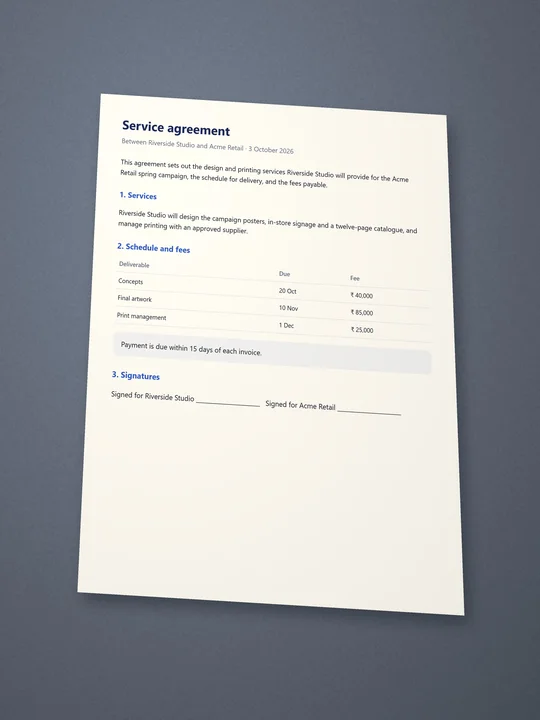
From a photo on a desk
to a page you can send.
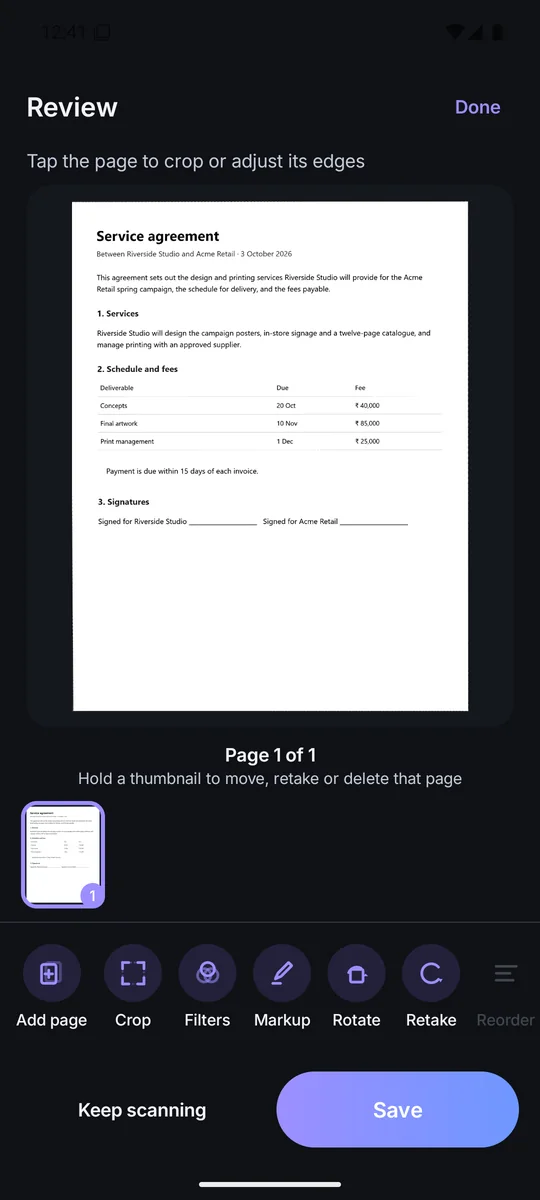
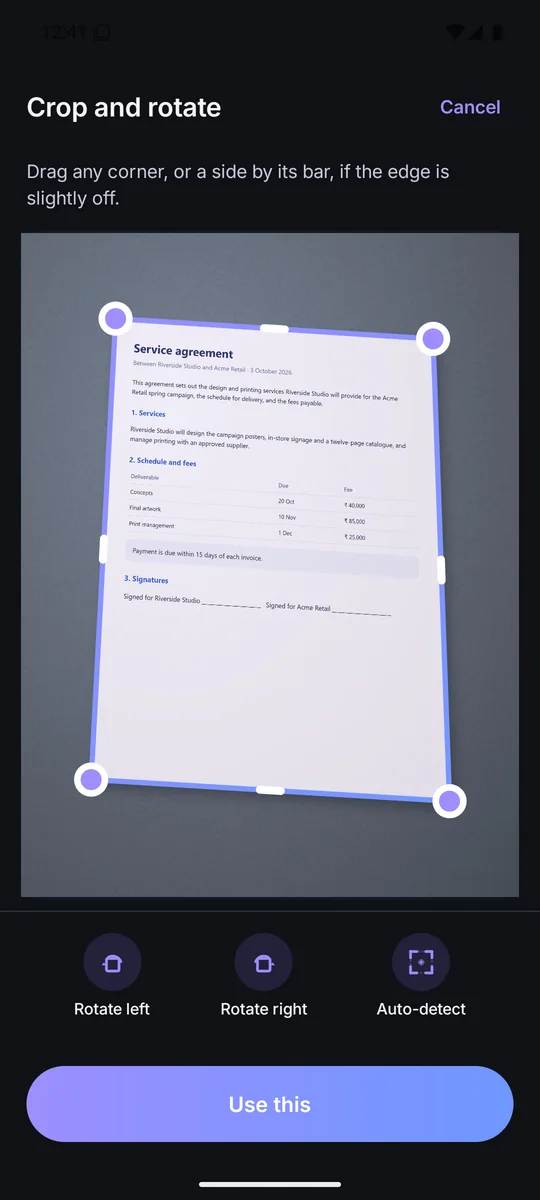
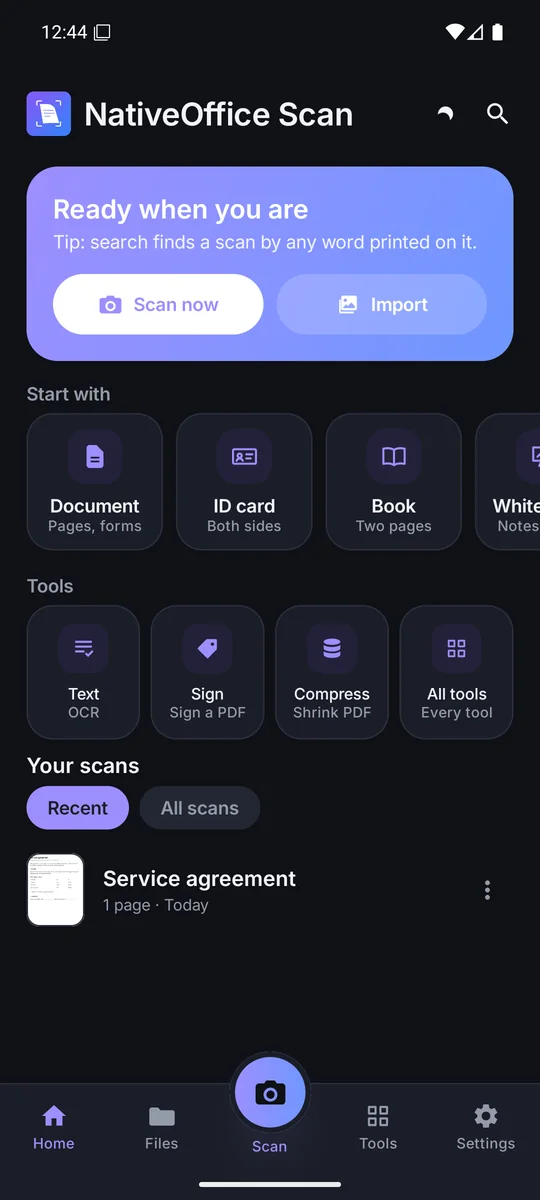
Walk through that scan.
Every screen is real.
Crop to see the edges Scan found, flip between filters, save it, then open the finished PDF.
Photo in, PDF out.
Watch it in motion.
One app for every
piece of paper.
Good to know.
Is NativeOffice Scan free?
Yes, with no watermarks and no page limits.
Are my scans uploaded anywhere?
No. Scanning, text recognition and PDF export all run on your phone, and scans never leave it unless you share them. We do collect app usage data to improve the app, as described in our privacy policy.
Do I need an account?
No. Signing in with a NativeOffice account is optional.
Does it work offline?
Yes. Everything that touches your documents works with no connection.
How do I delete my account?
Use the account deletion page, or email support@nativeoffice.online from the address on your account.