
 NativeOffice for Windows
 NativeOffice Scan
 NativeOffice Web ↗
 NativeOffice MobileOffice Suite for Android · Free on Google Play
The suite you know,
now on your phone.
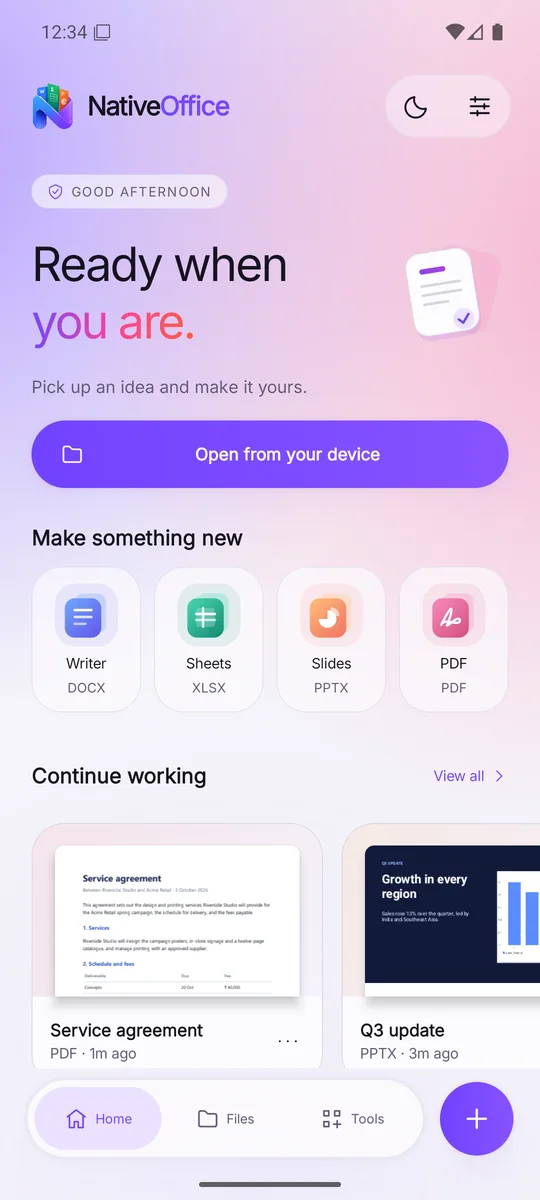
The office suite people chose on Windows, rebuilt for Android. Write documents, work in spreadsheets, build and present slides, and mark up PDFs. Files open from your phone and save back to it.
Free · Sign in with Google, or carry on without an account
Tap around.
It's the real app.
Every screen here is a screenshot of NativeOffice Mobile with real files open. Tap the buttons on the phone as you would on your own.
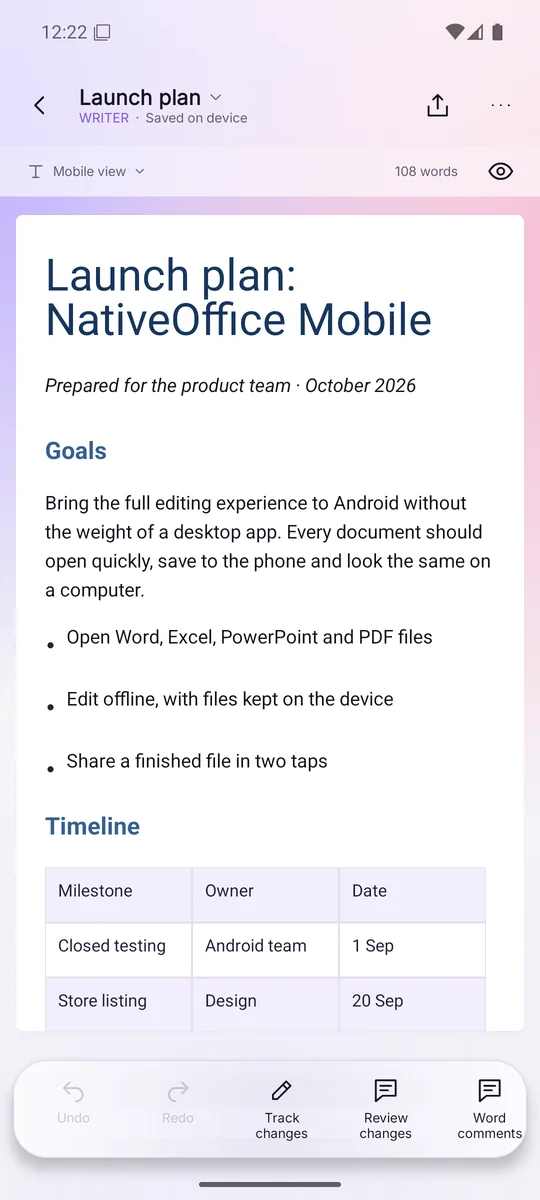
Word documents, laid out for a phone.
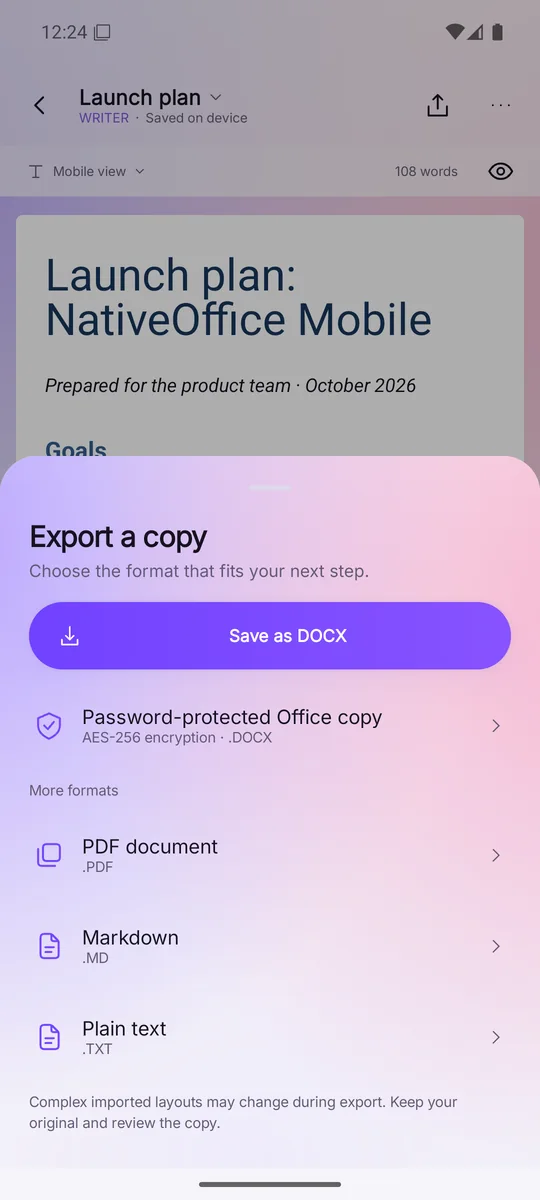
Headings, lists, tables and pictures come through from the original file. Tap the text to type, switch to reading mode to review, and export a copy in the format the next person needs.
- Track changes and Word comments
- Reading mode with headings and read aloud
- Export to Word, PDF, Markdown or text, or a password-protected copy
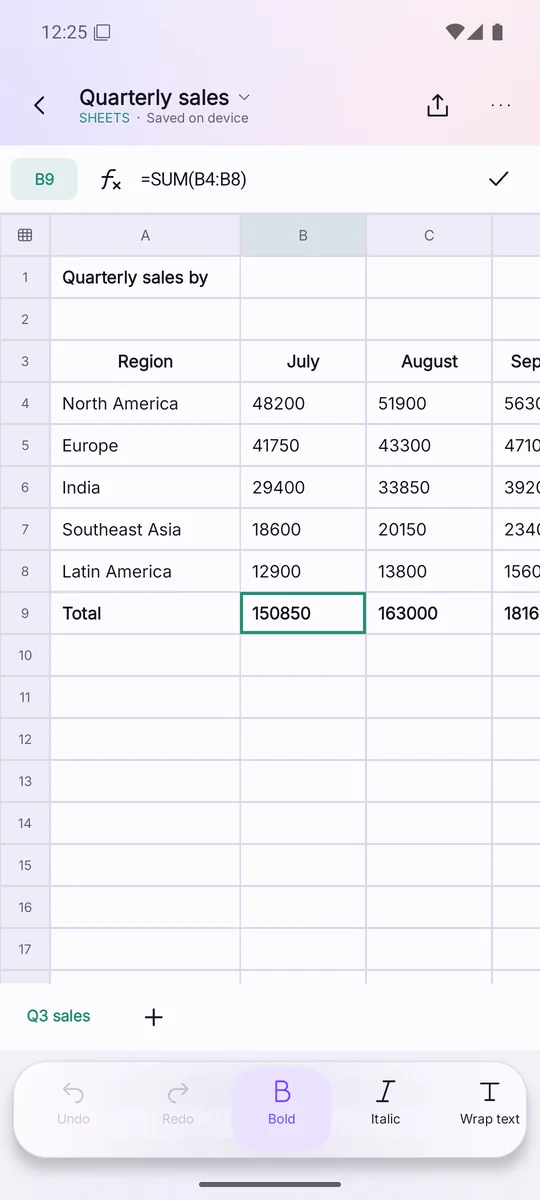
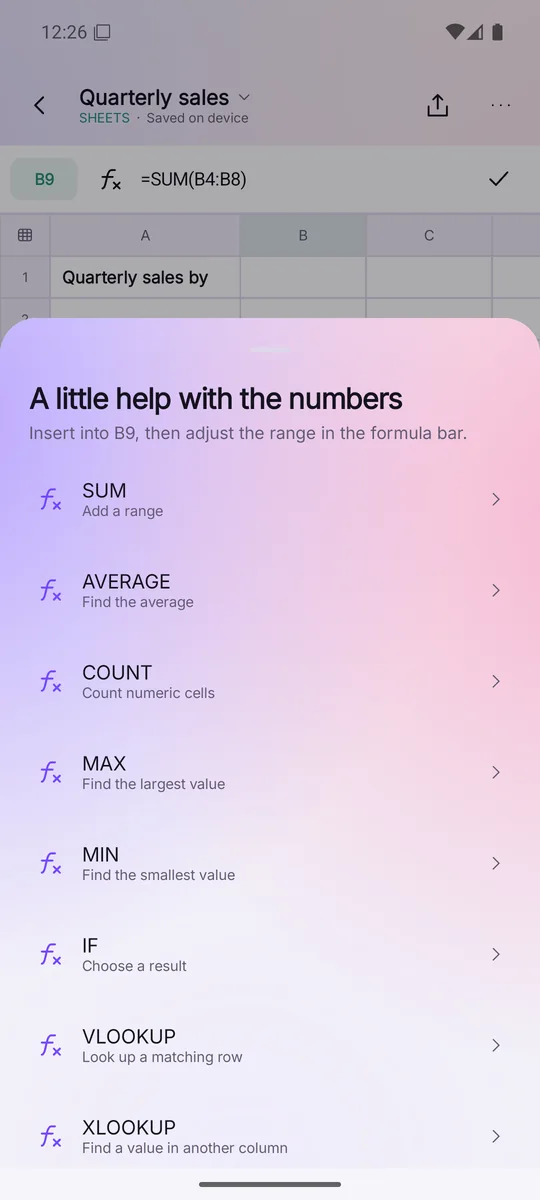
Real spreadsheets, real formulas.
Open an Excel workbook and its formulas still work. Select a cell to see what it calculates, and pick a function from a list instead of remembering its name.
- SUM, AVERAGE, IF, VLOOKUP, XLOOKUP and more
- Filter, sort, number formats and cell styles
- Insert and delete rows and columns, autofit widths
Edit on the way. Present in the room.
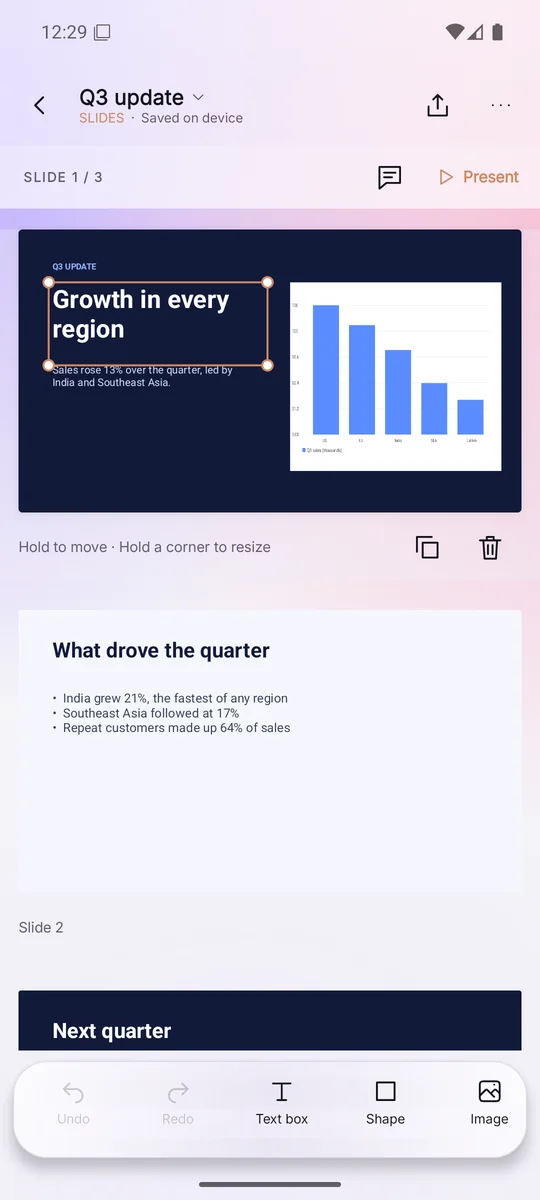
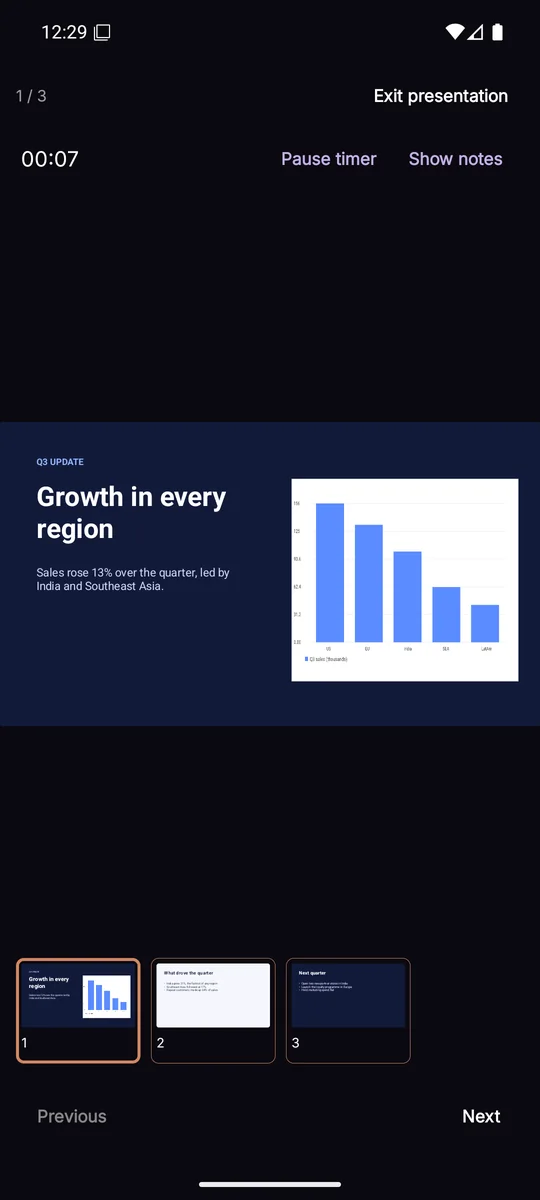
Open a PowerPoint deck, tap an object to select it, hold to move it or drag a corner to resize. When it's time, present full screen with a timer, speaker notes and a strip of slides.
- Text boxes, shapes and images
- Duplicate, delete and reorder
- Presenter timer and notes
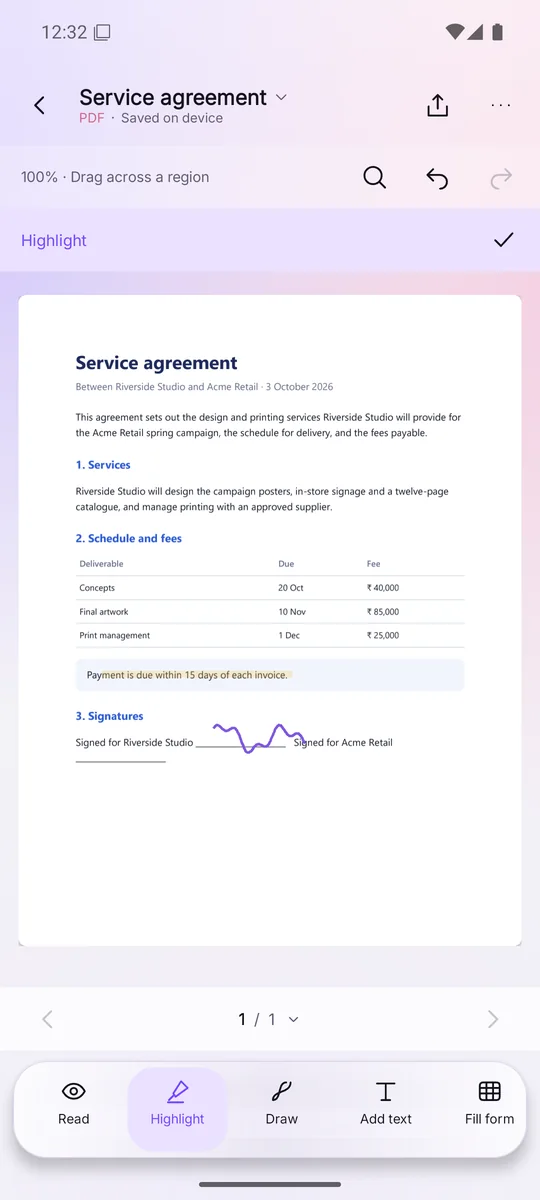
Mark it up and sign it.
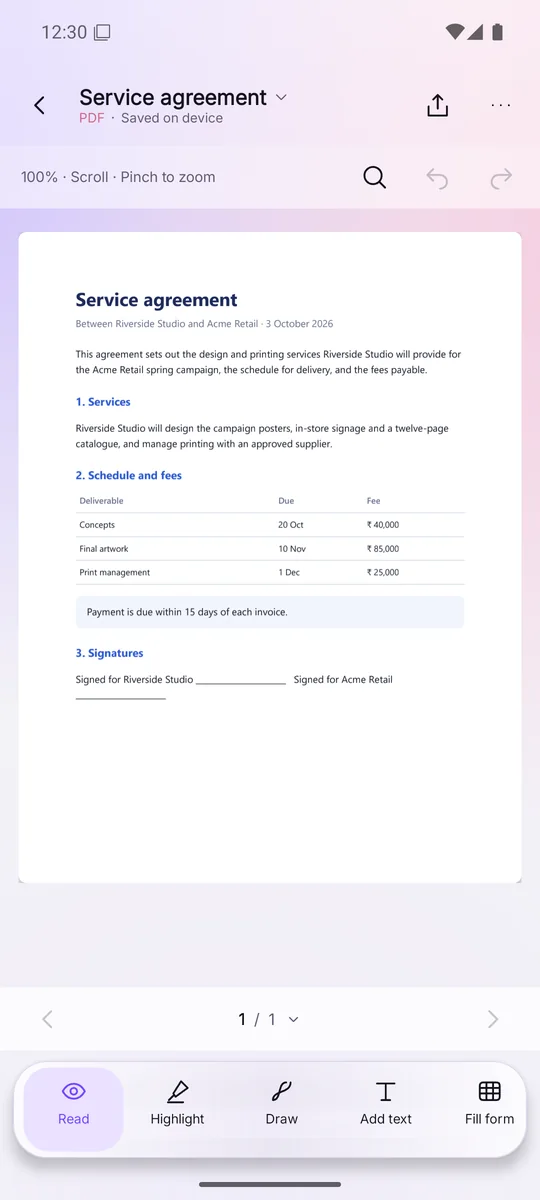
Highlight what matters, sign with your finger, add text or fill in a form, then share the result from the same screen.
- Highlight, draw and add text
- Fill in PDF forms
- Search and page through long files
One app for every file.
Watch it in motion.
The details that make it yours.
Good to know.
Is NativeOffice Mobile free?
Yes. Download it from Google Play and create, edit and share documents at no cost.
Do I need an account?
No. You can carry on without one, or sign in with Google to use the same NativeOffice account as the Windows app and the web workspace.
Which files can it open?
Word documents, Excel spreadsheets, PowerPoint presentations and PDFs, plus plain text files.
Where are my files kept?
On your phone. Nothing is uploaded unless you choose to share a file. See the privacy policy.
How do I delete my account?
Use the account deletion page, or email support@nativeoffice.online from the address on your account.