
 NativeOffice Mobile
Writer
NewNativeOffice Mobile and Scan are on Google Play
Started on Windows.
Started on Windows.
Now everywhere you work.
NativeOffice began as a desktop office suite for Windows, made to stand alongside Microsoft Office and WPS Office. People kept choosing it, so we're growing it: office and scanning apps for Android, a workspace in your browser, and next, photo and video.
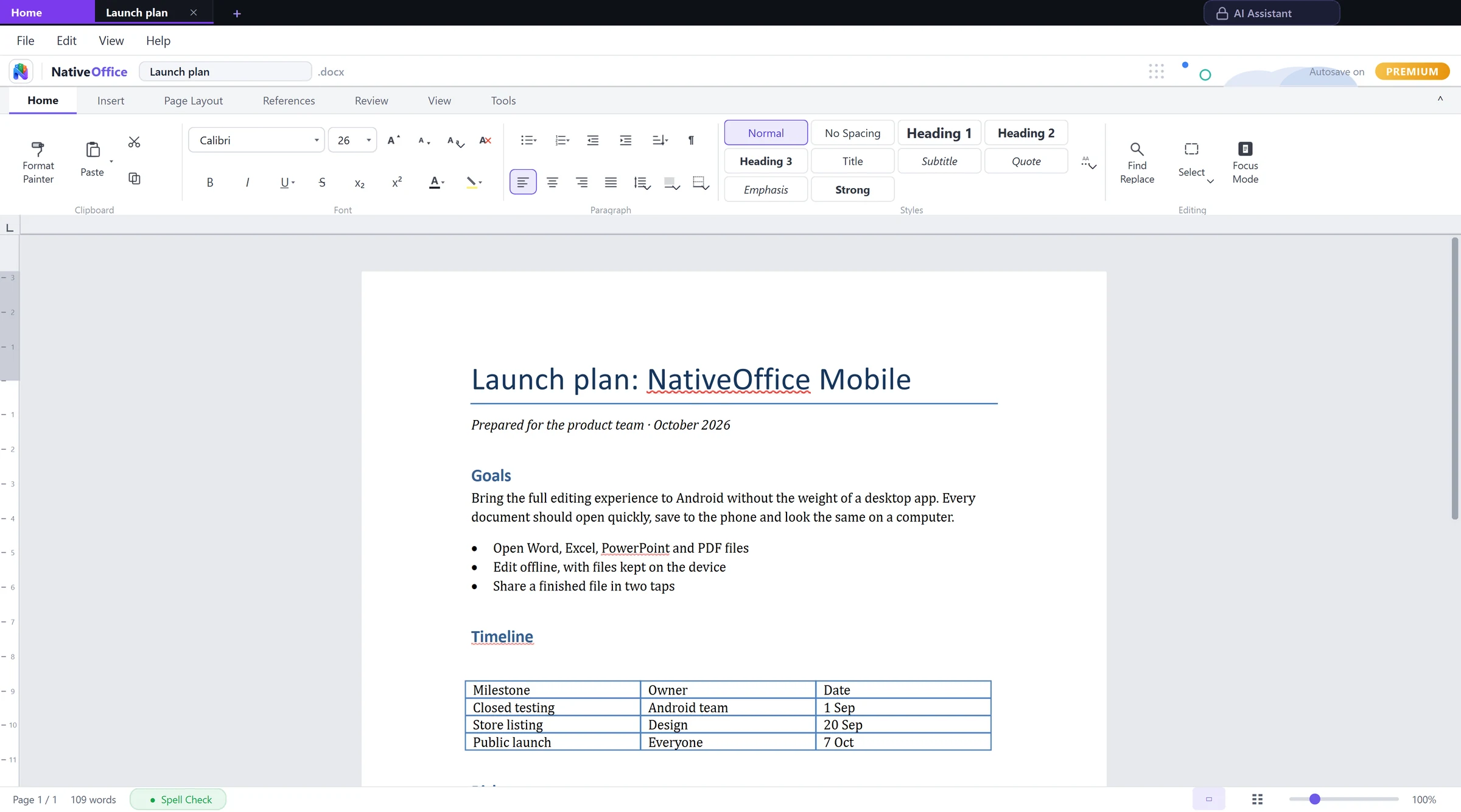
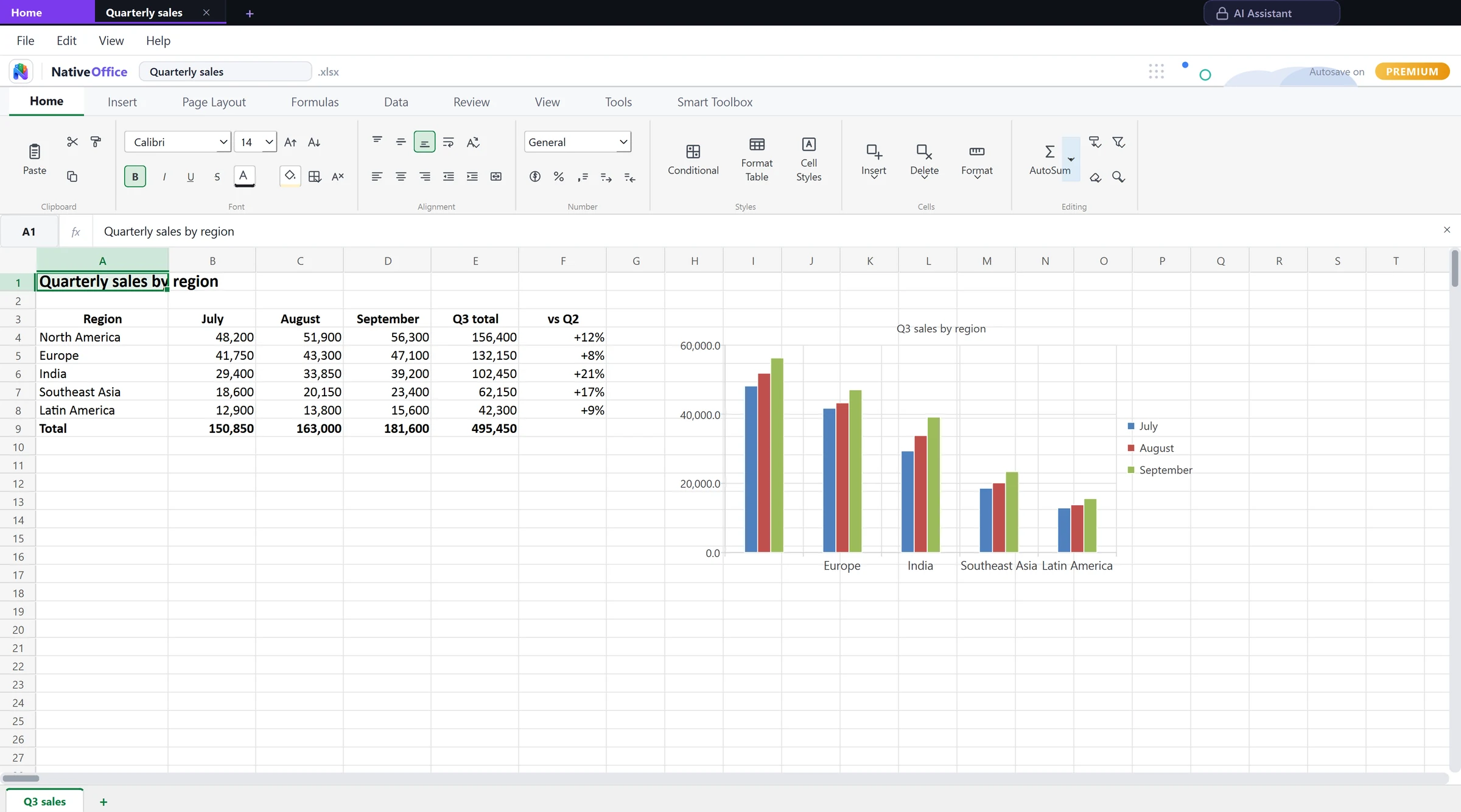
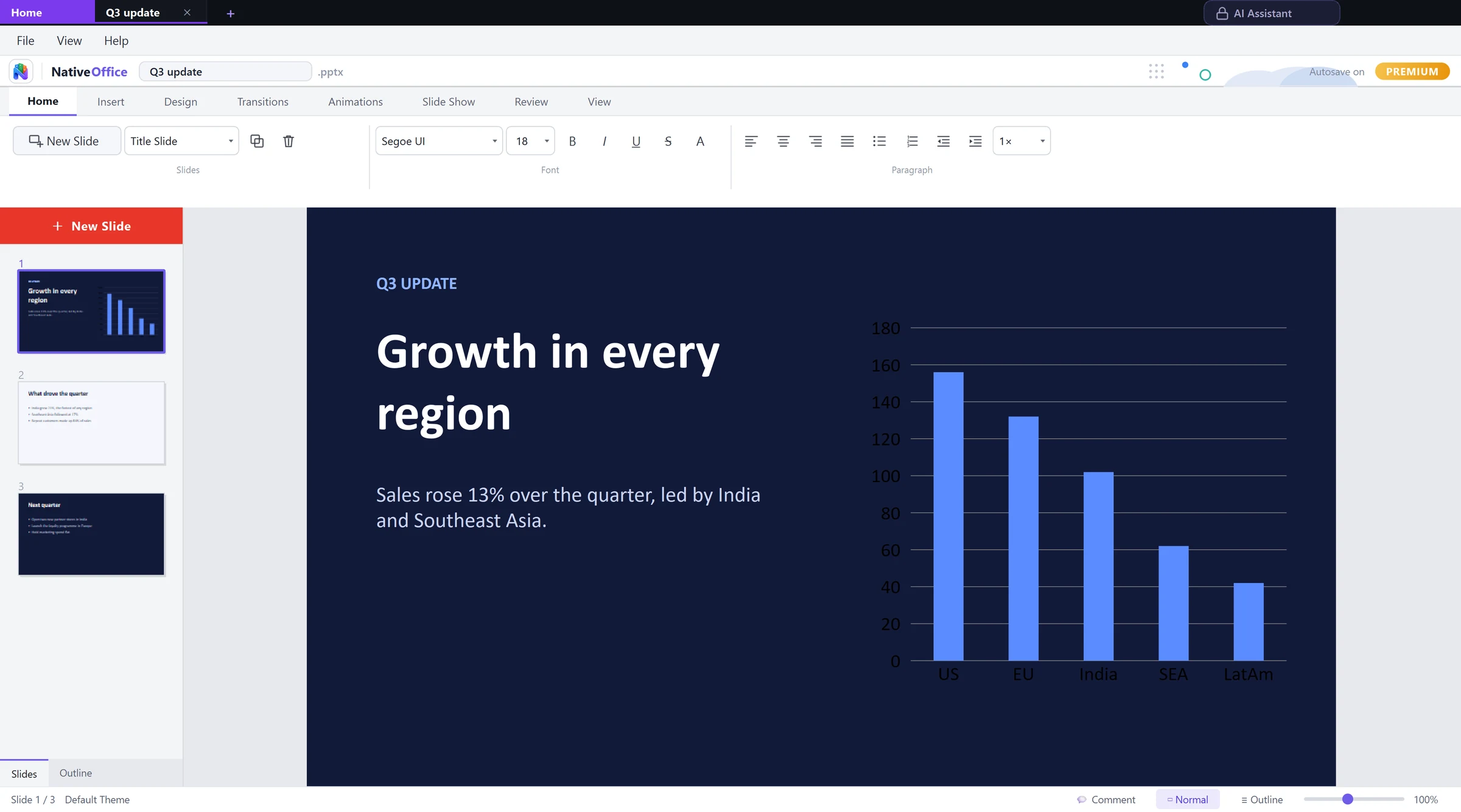
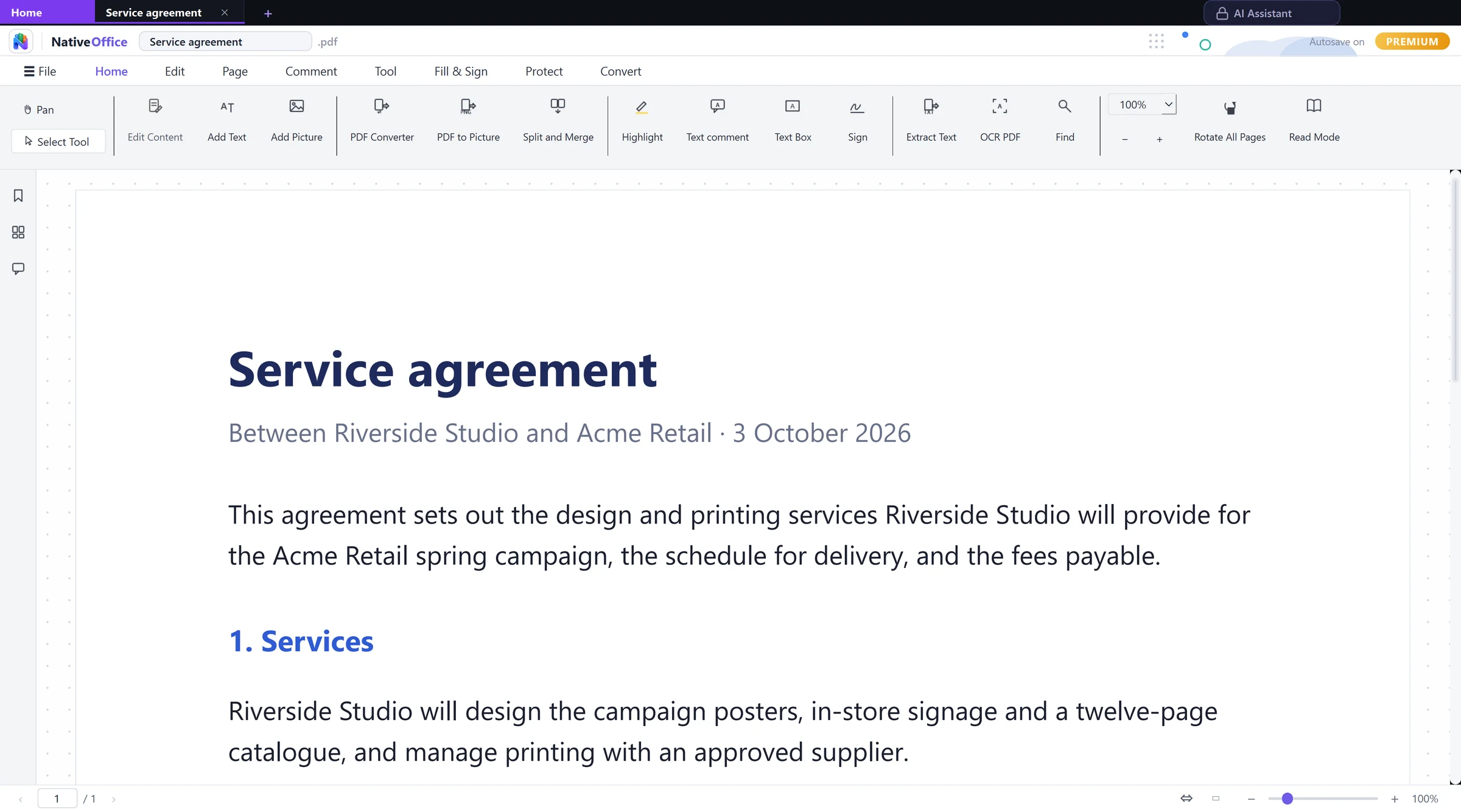
Works with the files you already have
- .docxWord
- .xlsxExcel
- .pptxPowerPoint
- .pdfPDF
- .odtOpenDocument text
- .odsOpenDocument sheet
- .odpOpenDocument slides
- .csvComma separated
- .xlsbExcel binary
- .docWord 97
- .xlsExcel 97
- .pptPowerPoint 97
- .rtfRich text
- .mdMarkdown
- .jsonJSON
- .yamlYAML
How NativeOffice grew
One suite people chose.
One suite people chose.
Now a family of apps.
Where it started
Windows
A native office suite with Writer, Sheets, Slides and PDF tools, built in C++.
Then the browser
Web workspace
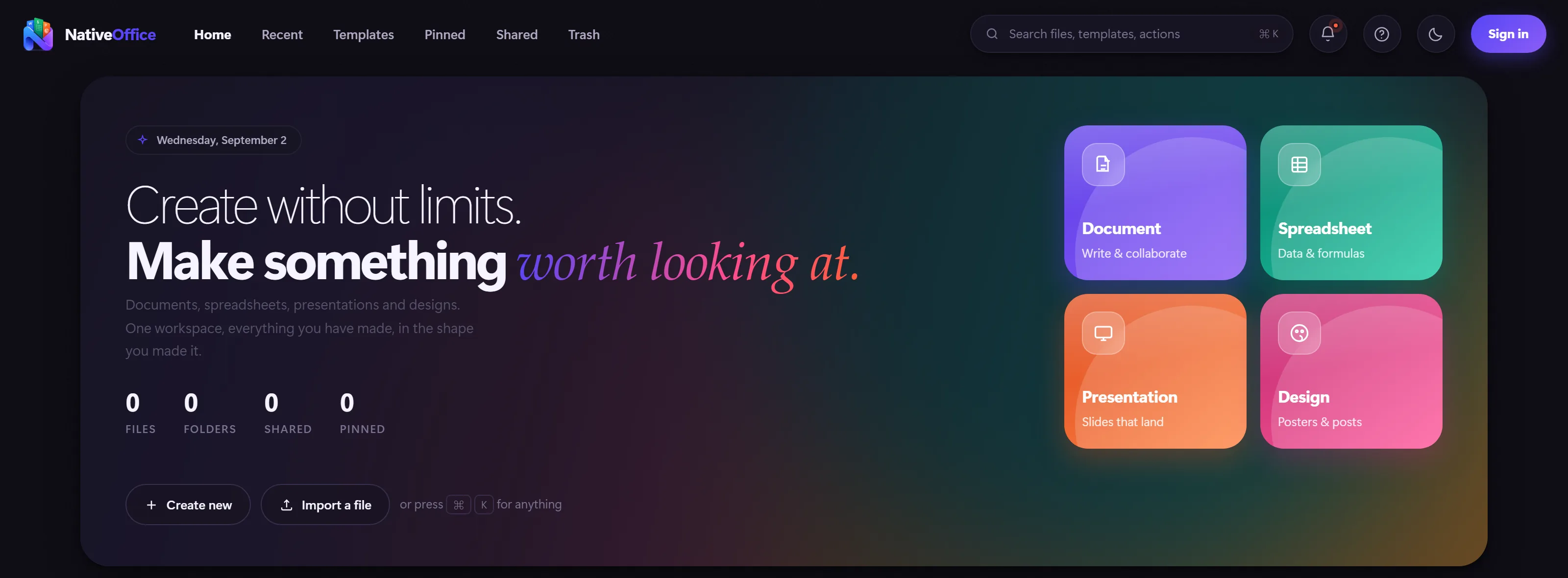
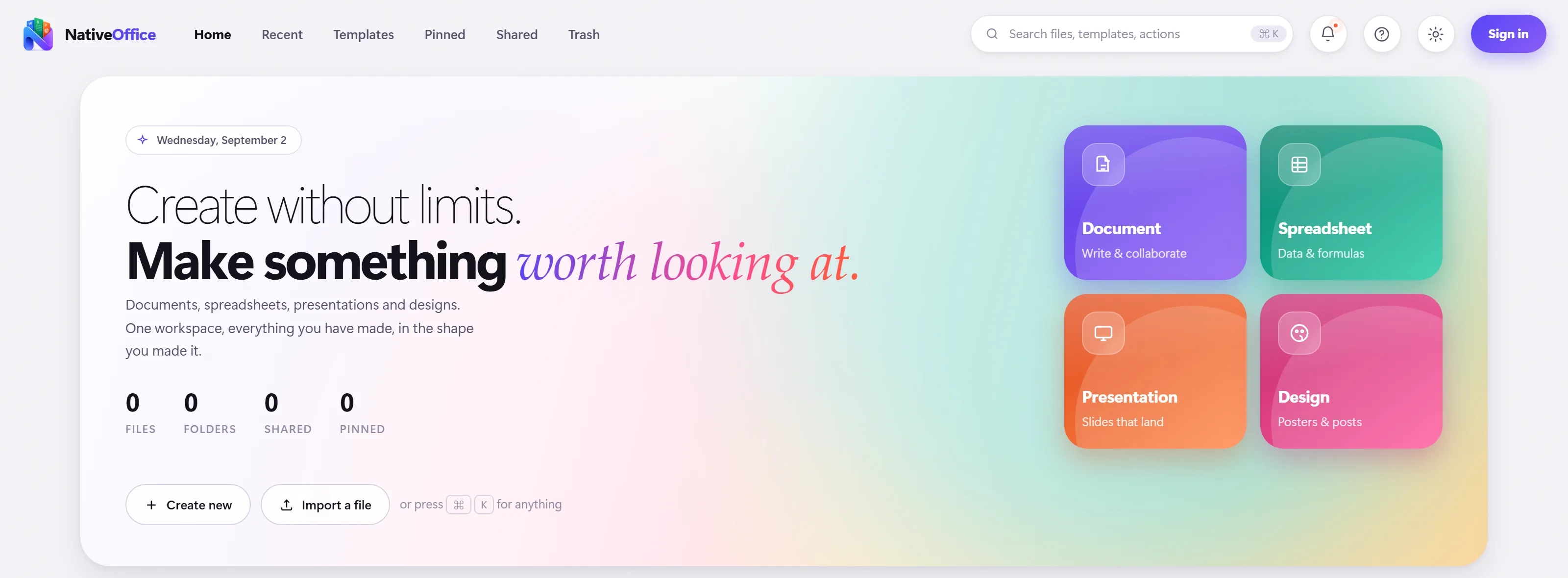
Docs, Sheets, Slides and Design online, with live collaboration.
Now in your pocket
Android
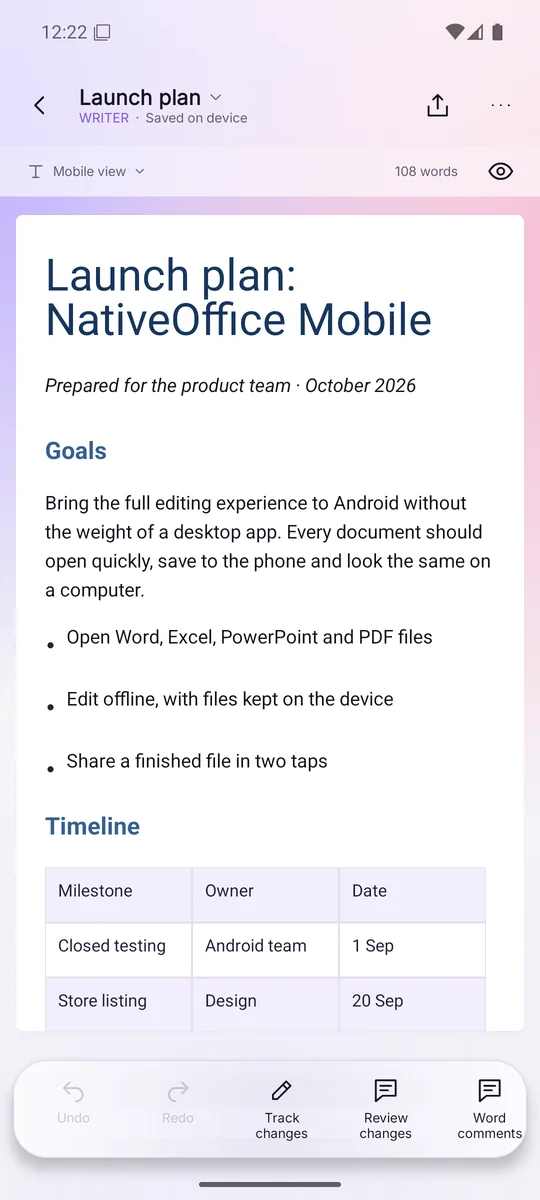
NativeOffice Mobile and NativeOffice Scan, both on Google Play.


NativeOffice Mobile · Android
Don't take our word for it.
Don't take our word for it.
Tap the phone.
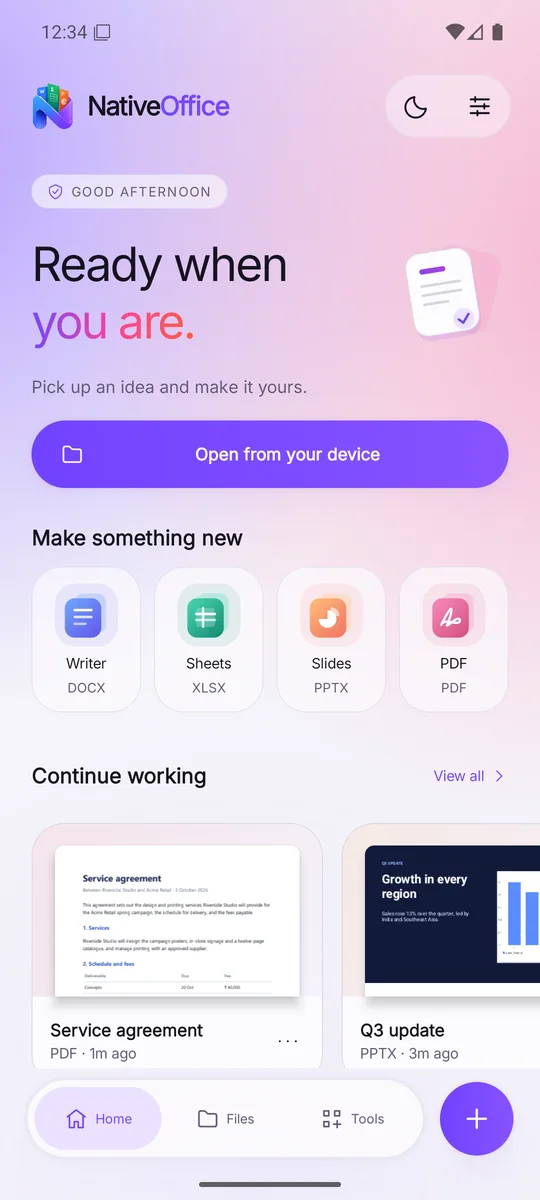
These are real screens from the app, with real files open. Tap the buttons on the phone just as you would on your own: open a document, switch tools, present a deck.
HomeRecent files, quick create and your whole workspace.

NativeOffice for WindowsWindows 10 and 11 · Microsoft Store
The full office suite, written in C++.
Documents, spreadsheets and presentations open as tabs in one window. It reads the Word, Excel and PowerPoint files you already have and keeps working offline once you've signed in.
- Writer, Sheets, Slides and a PDF editor
- Opens .docx, .xlsx, .pptx, .doc, .xls, .ppt and OpenDocument
- SQL on a sheet, and a selection to pandas in one click

NativeOffice ScanAndroid · Google Play
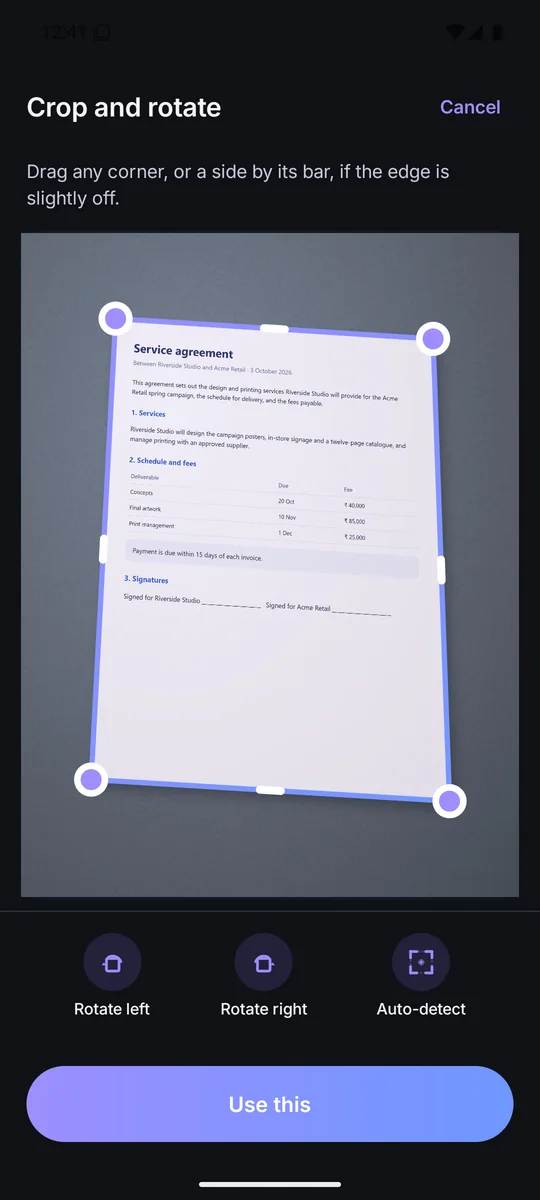
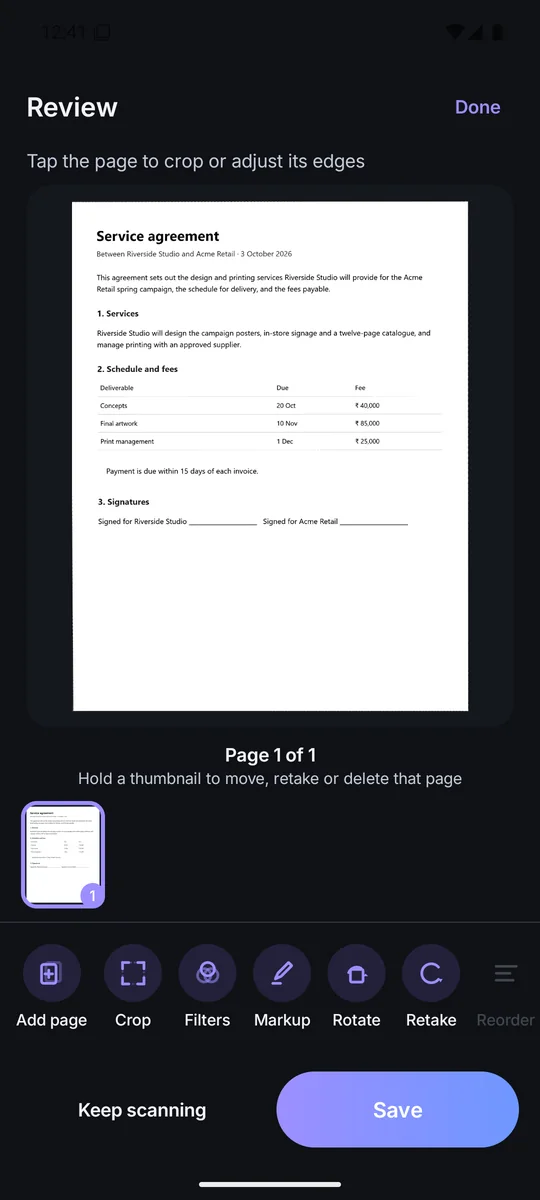
Paper to a clean PDF, on your phone.
Scan finds the page in the photo, straightens it, cleans it up and reads the text. It all happens on the phone, so nothing you scan is uploaded.
- Edge detection and perspective correction
- Text recognition that works offline
- No watermarks, no page limits, no account needed

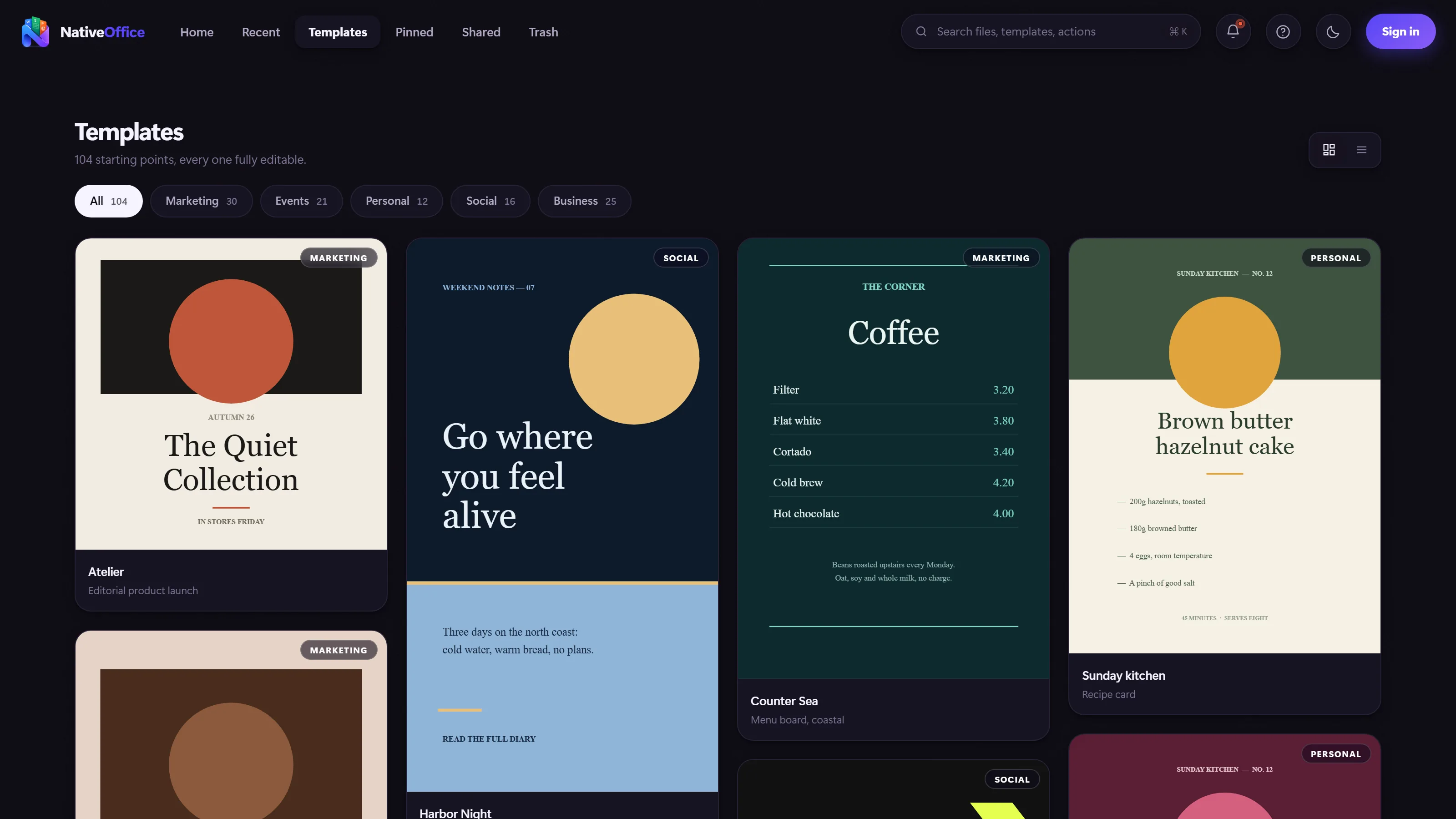
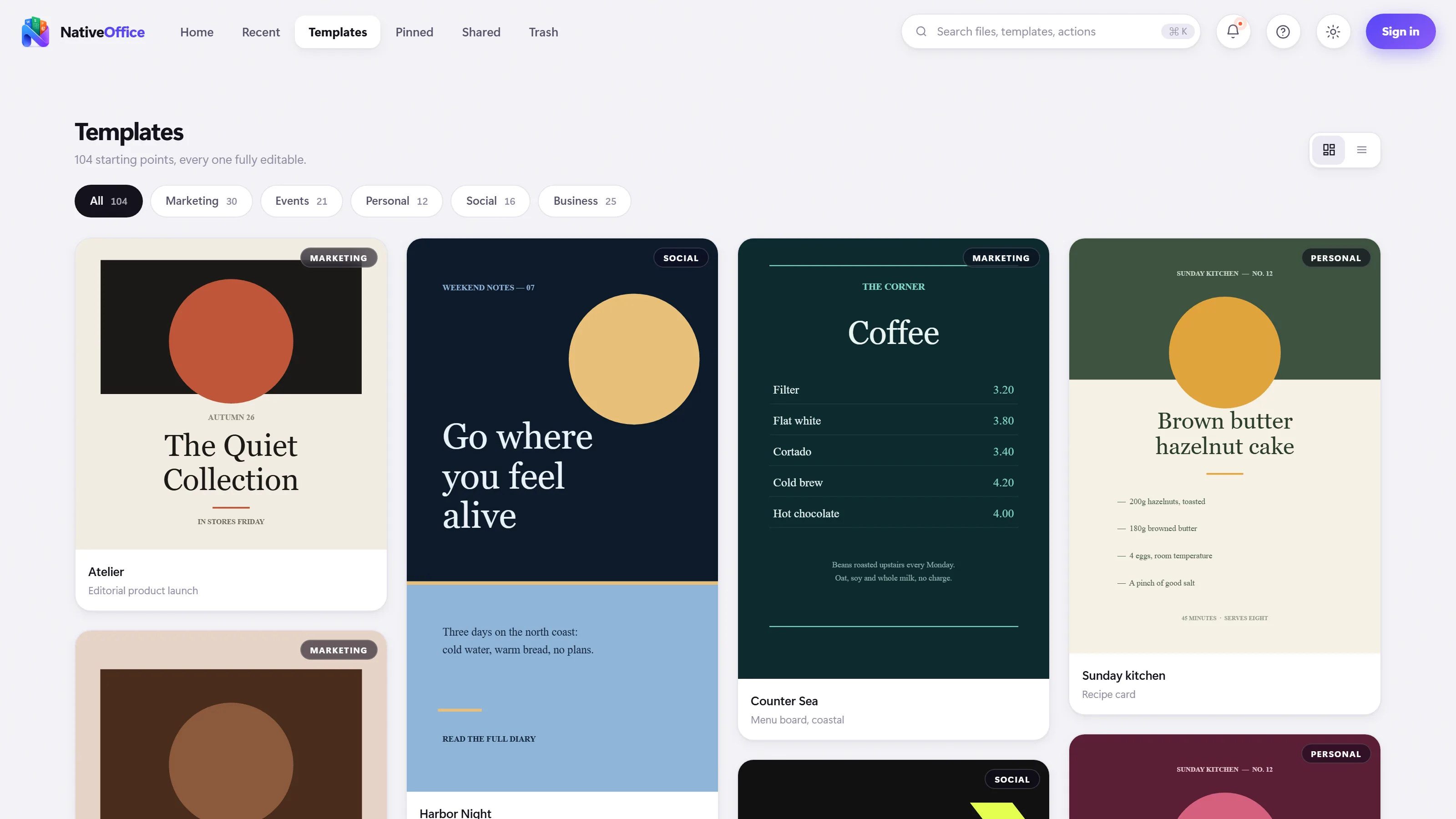
NativeOffice WebAny browser · tools.nativeoffice.online
A workspace in any browser, built for teams.
Docs, Sheets, Slides and Design with live collaboration and share links. Nothing to install, and the same account as the apps.
Built the hard way
Native code. Your files.
Native code. Your files.
Fair prices.
16file types it works with
~128MBmemory at idle on Windows
4apps on one account
100%of scanning done on your phone
Native, not wrapped
C++ on Windows and native Android apps. No browser engine pretending to be an app.
Files stay yours
Desktop and phone editing work on your own device. Scans are read on the phone, never uploaded.
Formats everyone opens
Word, Excel, PowerPoint and PDF in, the same out. No proprietary format to get stuck in.
Measured, not promised
Light by design.
Microsoft 365 asks for a PC with 4 GB of RAM. NativeOffice for Windows sits at about 128 MB at idle. That is the whole difference between a native app and one carrying a browser inside it.
Microsoft's published minimum for Microsoft 365 apps compared with NativeOffice's measured memory use on the home screen at idle, on one Windows PC. They are different measures.
Premium
Free to start.
Free to start.
Premium when you're ready.
Creating and editing are free in every app. Premium takes the NativeOffice mark off your exports and gives you more control over every file.
Free
$0forever
For your first idea, and the next one.
- Documents, spreadsheets and slides
- PDF and Markdown tools
- Every app in the family
- Exports carry a small “Made with NativeOffice” mark
Most popular
Premium
$4.99/ month$39/ year
Or $39 a year, billed yearly.$3.25 a month, billed once a year.
- Everything in Free
- Exports without the NativeOffice mark
- PDF quality and compression controls
- Your own default save formats
Team
$20/ month$150/ year
Premium for up to 5 people, with one bill.
- Premium for every seat
- Centralised billing
- Set up personally over email
Why we build
Office software got heavy, expensive and tied to one company's cloud. We started with a faster suite for Windows. People chose it, so now we're taking it to every screen they use.
The NativeOffice team
- Where it beganNativeOffice for Windows
The desktop suite, on the Microsoft Store.
- ShippedNativeOffice Web
A collaborative workspace in the browser.
- ShippedMobile and Scan for Android
Both live on Google Play.
- NextPinwheel
Photo and video editing on the same account.
- AheadmacOS, Linux and iOS
The same native approach on every platform.
Your next idea
has a home.
Get the app for your device, or open the workspace in your browser. One free account covers all of it.
Prefer a direct Windows installer? Download Windows Setup (.exe)