
 NativeOffice Mobile
 NativeOffice Scan
 NativeOffice Web ↗
 NativeOffice for WindowsWindows 10 & 11 · Microsoft Store
Where NativeOffice began.
The full suite, in C++.
Writer, Sheets, Slides and PDF tools in one native app. Documents, spreadsheets and decks open as tabs in one window, read the Office files you already have, and keep working offline once you've signed in.
Free account with Google sign-in · Windows 10 and 11, 64-bit · macOS and Linux in development
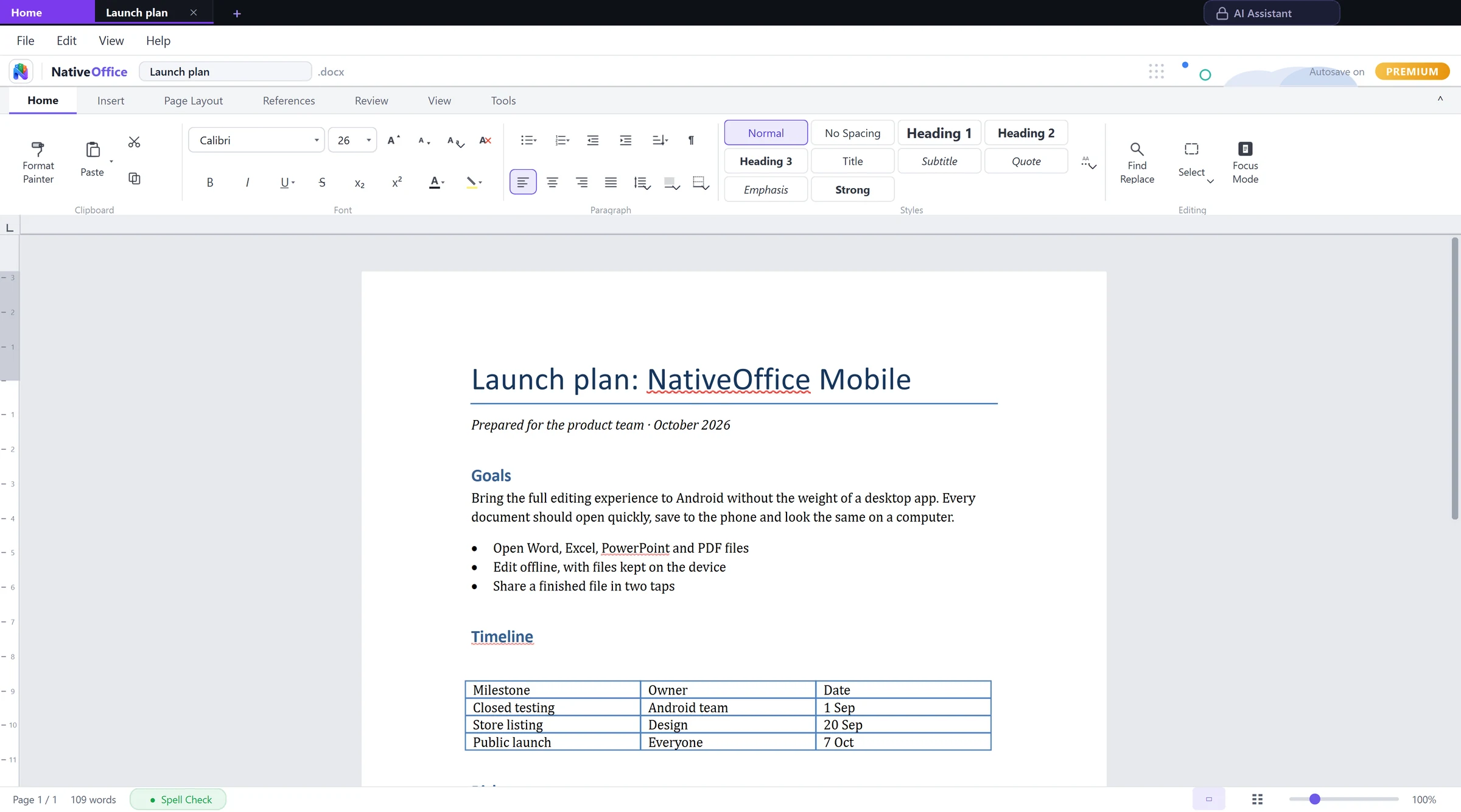
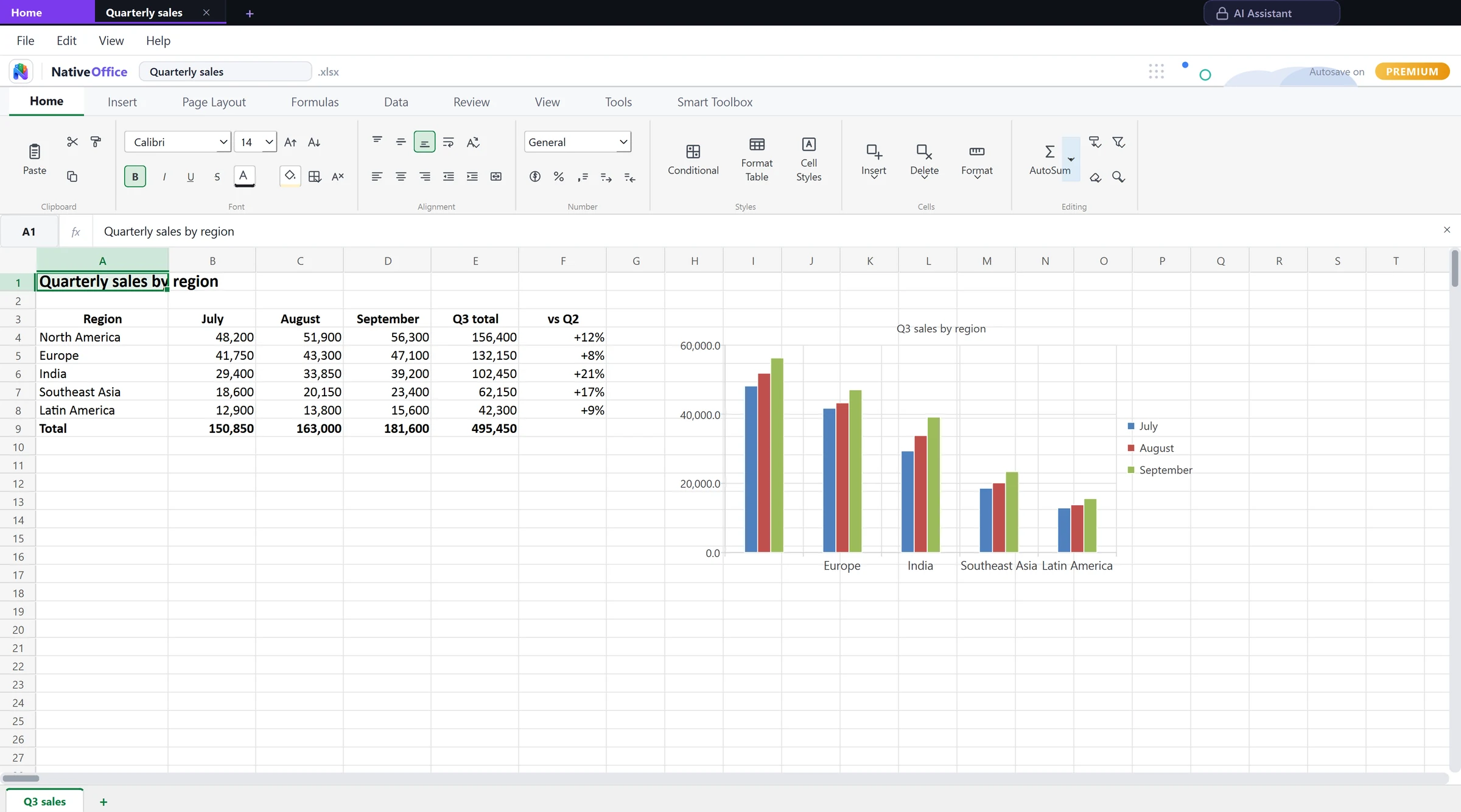
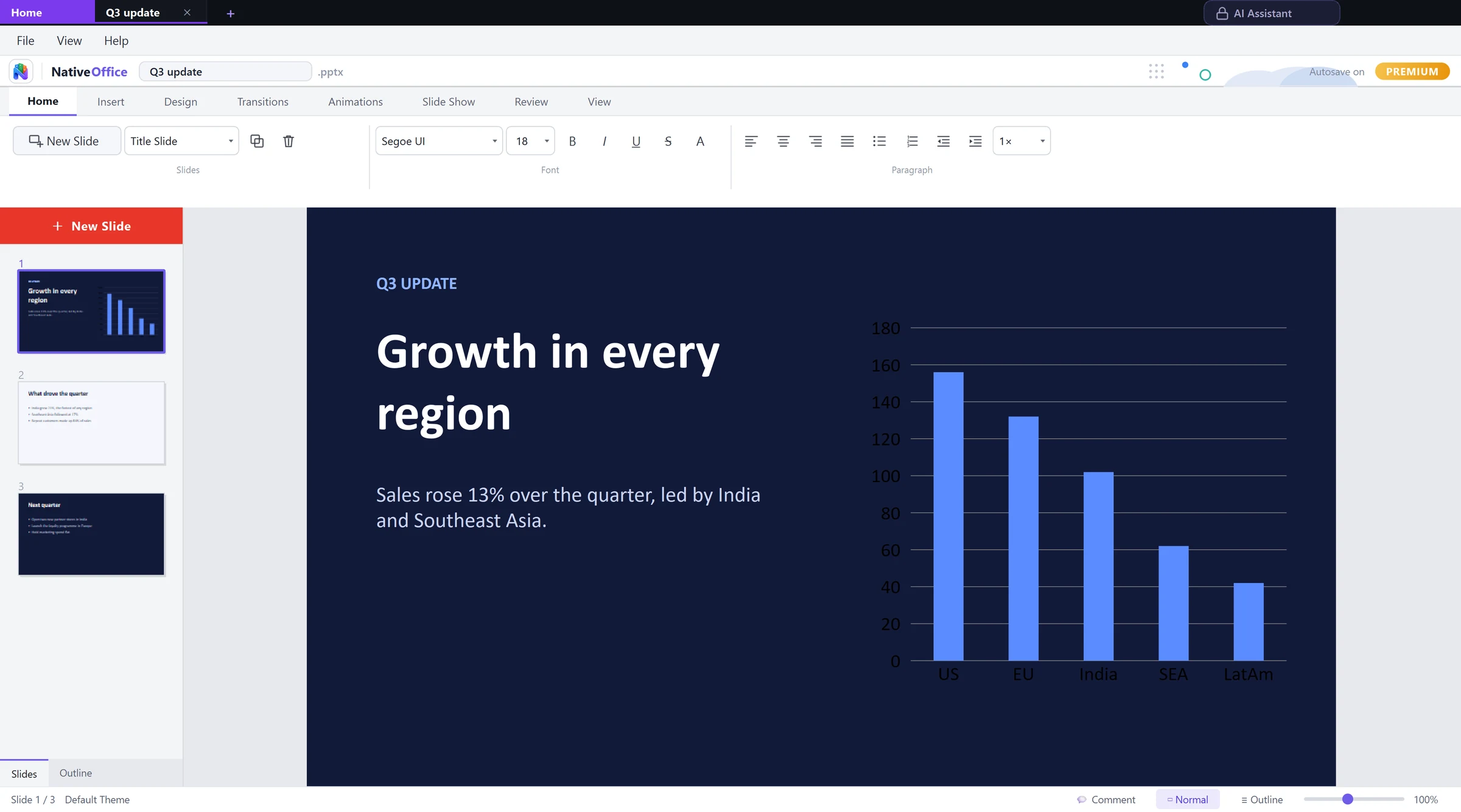
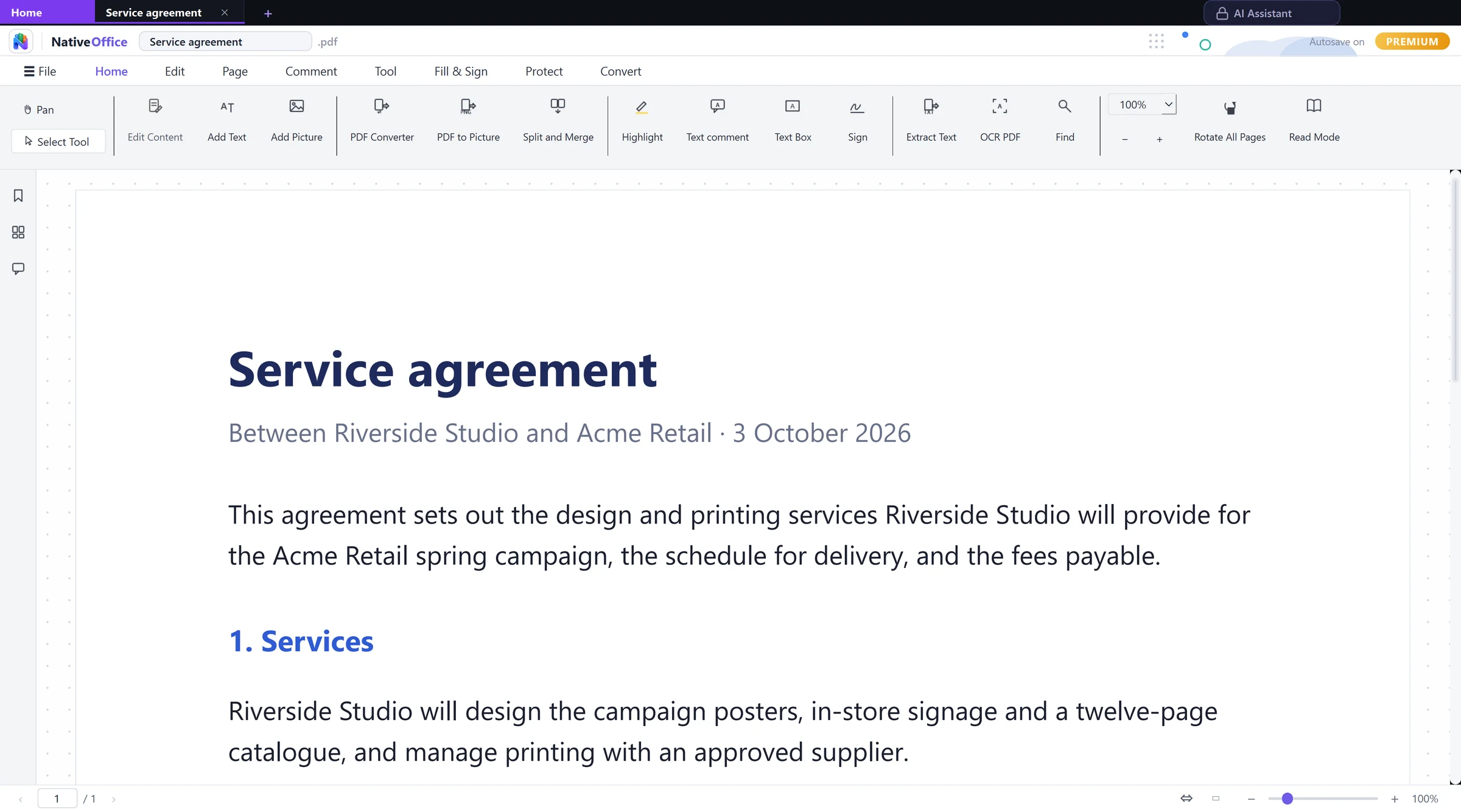
Your whole workday, in tabs.
Writer, Sheets and Slides share one codebase and one window, so a document, a spreadsheet and a deck open side by side rather than as three separate programs.
Words, numbers, slides.
One workspace.
Start in a spreadsheet. Pick up in Python.
Select a range in Sheets and NativeOffice writes a ready-to-run pandas DataFrame or JSON, with column names from your header row. It happens locally, with no AI service involved.
- Selection to pandas or JSON in one click
- SQL on Sheets: filter, group and join with real SQL
- Data cleanser for whitespace, duplicates and dates
Your files, kept the way they came.
Open a workbook full of charts and pictures, change a few cells and save: the parts you didn't touch go back exactly as they were. Local version history keeps named snapshots of a workbook on your own disk.
- Charts and pictures in .xlsx files preserved on save
- Password-protected Office files open
- Recovery copies, so a crash never costs your work
The extras you'd otherwise download.
Not a web page in a window.
NativeOffice is written in C++ with Qt rather than Electron. It compiles straight to machine code, with no bundled browser engine, so it opens quickly and leaves your computer room to breathe.
C++ and Qt
Compiled for Windows. Why we chose C++.
Offline after sign-in
Documents live on your disk and open with no connection.
No silent uploads
Local editing never sends your documents anywhere.
Free to use. Premium to polish.
The free plan covers the three apps, the PDF tools and the pandas export. Free exports carry a small “Made with NativeOffice” mark. Premium removes it and adds default save formats and PDF quality controls.
Good to know.
Which versions of Windows does it run on?
Windows 10 and Windows 11, 64-bit. Get it from the Microsoft Store, or use the direct installer if you prefer.
Do I need to be online?
Only to sign in the first time. After that, editing documents works with no connection.
Will my Word, Excel and PowerPoint files open?
Yes, including older .doc, .xls and .ppt files and OpenDocument formats. Very complex layouts can differ slightly between office apps.
Is there a Mac or Linux version?
Both are in development. Until then, NativeOffice Web runs in any browser.